Once you’ve signed up for a course on Teacha! Inspire, you can find it in My Courses.
- Sign in to Teacha! Inspire
- On the home page, select My Courses
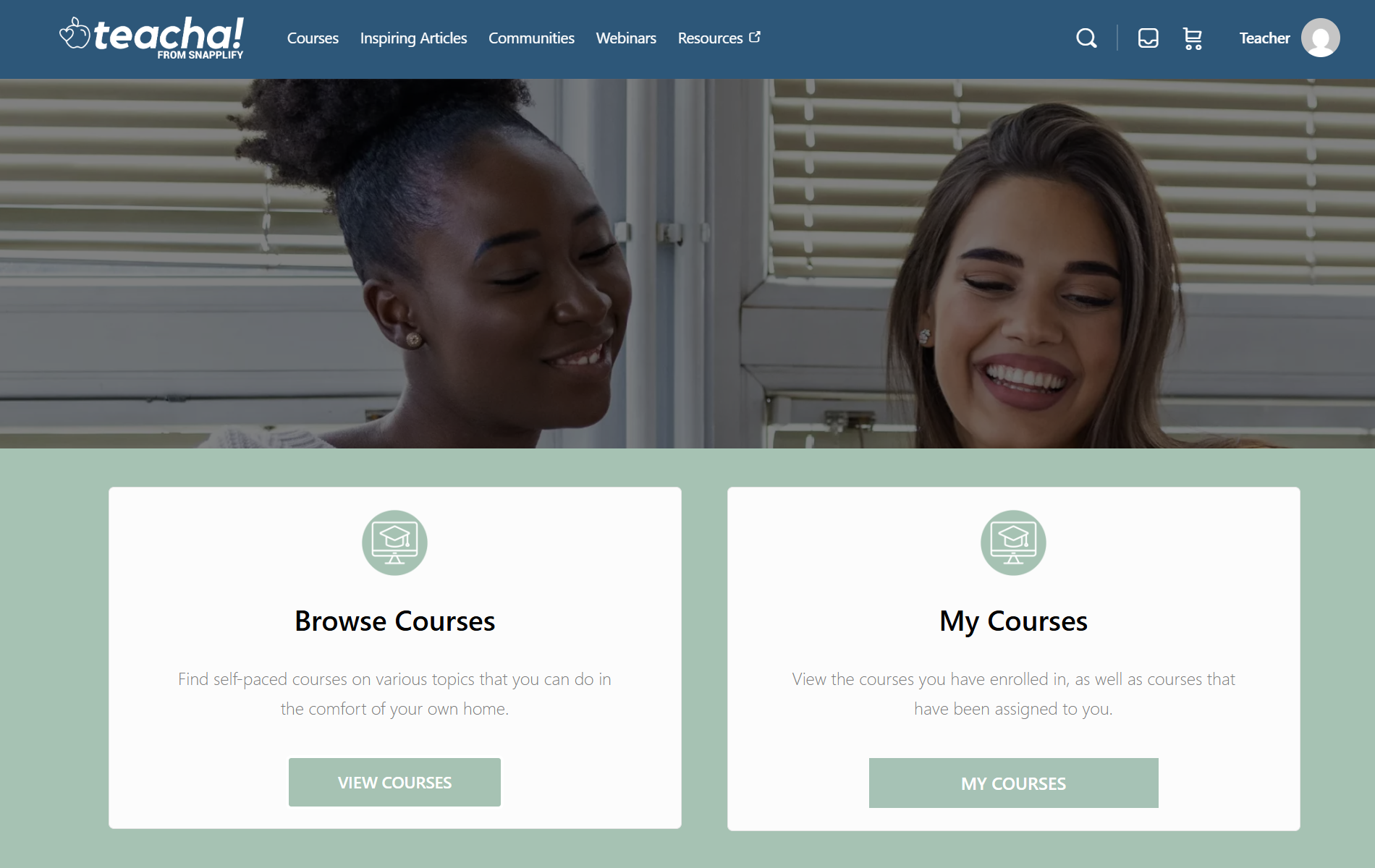
- You’ll see courses you’ve enrolled in, as well as courses that have been assigned to you.
- Select the course you want to continue learning.
Another way to access your courses: You can also access your courses from the menu. Select your name in the top-right corner, then select Courses.
Learn how to manage your profile and join a community on Teacha! Inspire.
Need help? Email us at teacha@snapplify.com.


